Waiting rooms

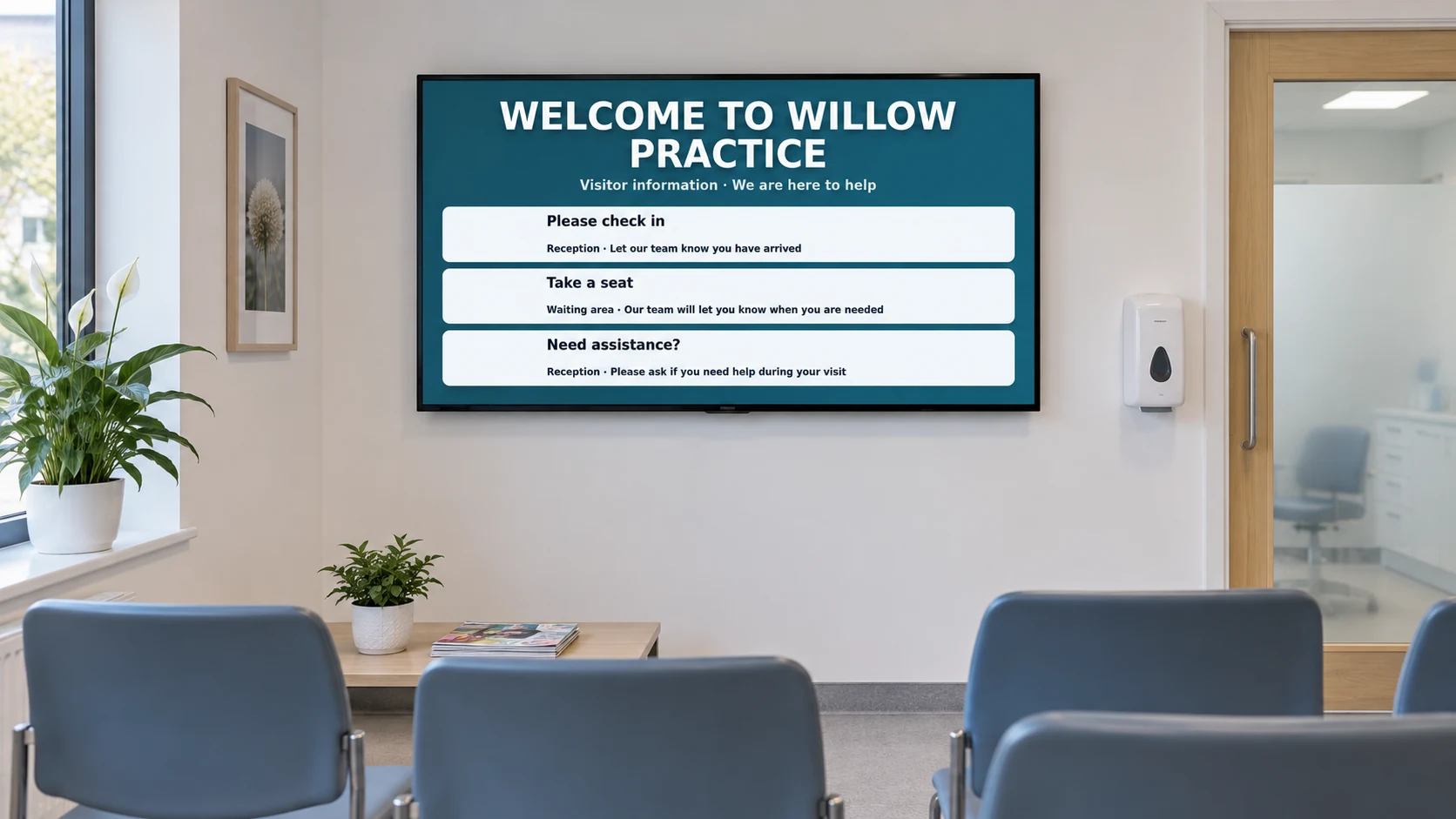
Waiting-room digital signage

DisplayFlow helps turn waiting-room screens into useful information, promotion and local advertising displays.

Show customer notices, service information, offers, events and selected advertising while people are already looking around the room.

The day-to-day challenge

A waiting-room TV can do more than play background content

Many waiting areas already have a screen, but the content is often unmanaged or hard to update. That misses a commercial opportunity.

DisplayFlow gives you a controlled way to show your own services, local partner advertising and helpful customer information from one dashboard.

What you can do

Everything needed for clear, useful screens

  • Advertiser contacts, rates, payable terms and payment-status records
  • Private one-time artwork upload links feeding the Media Library
  • Ready-made screens for promoting available advertising space
  • Playlist loops for notices, adverts and useful information
  • Scheduling for campaigns, seasons or time-sensitive messages
  • Remote updates without visiting the screen
Advertiser controls

Keep advertiser administration beside your screen content

Create a record for each advertiser with their contact details, agreed rate, payable term, campaign dates, payment status, invoice reference and internal notes.

The controls organise the relationship but do not automatically invoice the advertiser, collect payment or publish an advert. You remain responsible for approval and placement.

Artwork workflow

From enquiry to playlist-ready artwork

  • Use a ready-made promotion screen to advertise available space on your display.
  • Send an agreement summary with a fresh private upload link, or send the upload request separately.
  • Receive one JPG, PNG or WebP graphic directly into your customer-isolated Media Library.
  • Review the artwork and add it to the playlist, schedule and screens you choose.
Screen ideas

Example screen uses

These are practical examples, not customer case studies.

Customer information

Show opening hours, service reminders, booking details and important notices.

Own-service promotion

Promote add-on services, products, memberships or seasonal offers.

Local advertising

Sell or exchange advertising space with suitable local partners where appropriate.

Your screens

Use a screen you already own or choose a ready-to-use kit

A waiting-room screen can run on a smart TV browser, small media player, mini PC or supplied DisplayFlow player.

You can open DisplayFlow on a suitable TV, or choose the optional £175 ready-to-use bundle for one screen for one year. No VAT is currently charged.

See screen kit options or read the simple setup guide.

Pricing

Start with one screen

Plans start from £10.00 per screen per month, with options for more screens and help creating your designs.

That keeps it suitable for one screen in a small business, or multiple screens across a venue.

View screen pricing.

FAQ

Questions for waiting rooms

Yes. It is useful for notices, service promotions, information screens and waiting-room advertising.

Yes, if it suits your business and audience. DisplayFlow provides the screen management tools; you control what is appropriate to show.

You can record contact details, rates, payable terms, campaign dates, payment status, invoice references and notes, then send private artwork upload links. DisplayFlow does not automatically invoice or collect payment from advertisers.

No. A private one-time upload link accepts one JPG, PNG or WebP graphic and does not expose your screens, existing media or admin controls.

Previously loaded media can keep playing from cache, and new updates sync when the connection returns.

Next step

Turn waiting time into useful screen time

Ask about DisplayFlow for notices, promotions and advertising loops in your waiting area.

WhatsApp Chat with us