Reception areas

Digital signage for reception areas

DisplayFlow helps businesses create welcome screens, visitor notices, staff information and branded reception displays.

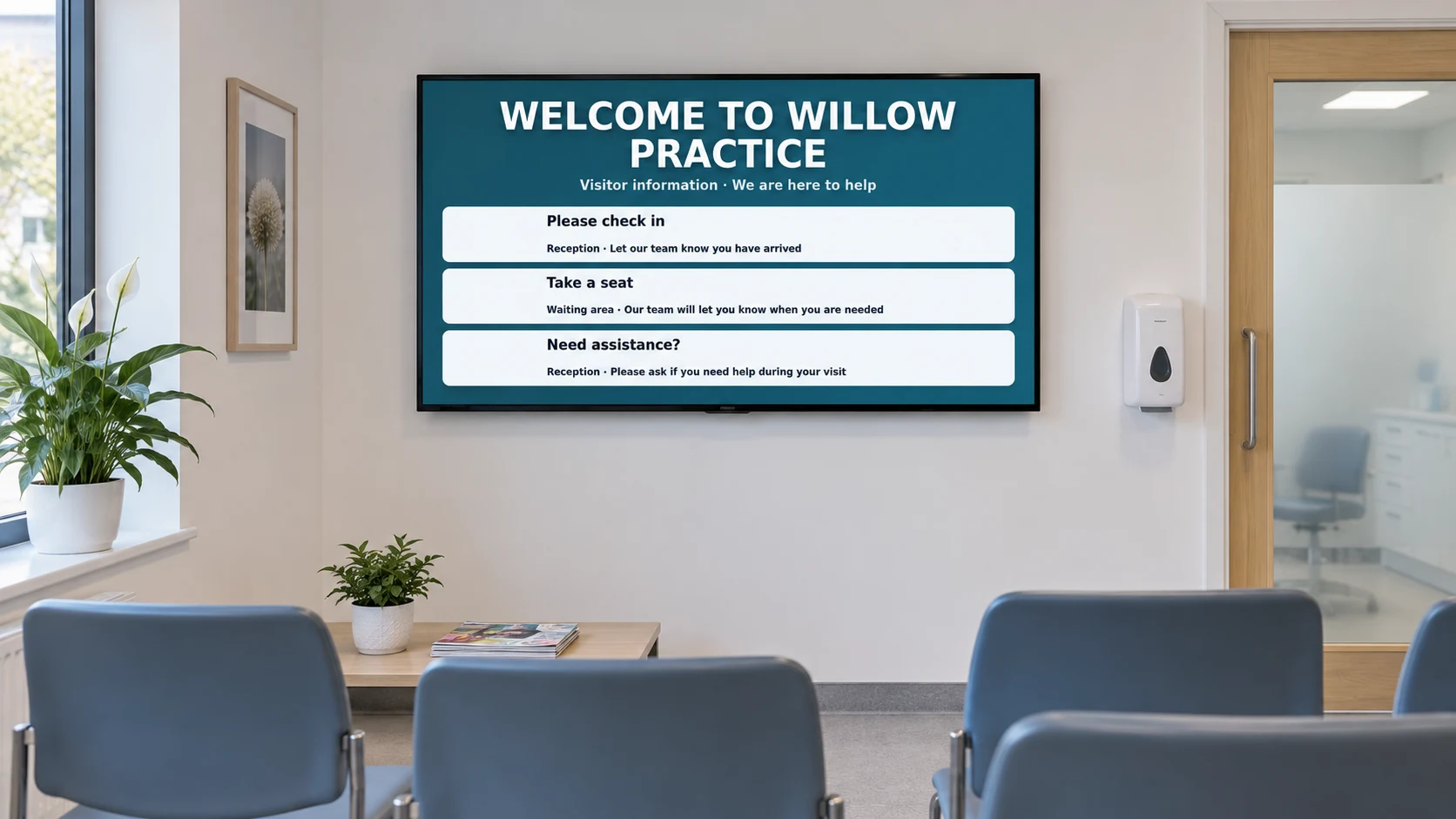
Illustrative waiting room with a screen displaying visitor information.
Illustrative installation · DisplayFlow example content

Keep front-of-house information clear, current and easy to update from a cloud dashboard.

Your day to day

Reception screens should be useful, not forgotten

Reception areas are often the first thing customers, visitors or members see. A screen can help, but only if the content is easy to keep current.

DisplayFlow makes reception displays manageable, with remote updates, playlists and optional hardware for a tidy setup.

Best uses

Clear front-of-house screens

  • Welcome messages
  • Visitor notices and directions
  • Staff or team information
  • Service promotions
  • Waiting-room information

What you can do

Tools for your everyday updates

  • Welcome and visitor information playlists
  • Remote updates for front-of-house teams
  • Browser-based playback on smart TVs and media players
  • Scheduling for opening times, events and notices
  • Optional hardware for permanent reception screens
  • Managed content/design support where needed
Explore every DisplayFlow feature →

What you can show

Give each screen a purpose.

Welcome display

Show visitor greetings, brand messages, opening information and directions.

Notice screen

Display appointment information, queue updates, safety notices or service changes.

Promotion screen

Promote services, events, memberships or local partner messages.

How to use it

Start with your everyday content.

Upload images or create a content page, add it to a playlist and assign that playlist to your screen.

Follow the four-step setup →

Your screen and player

Use a suitable screen, with the right player.

Reception displays can use a wall-mounted TV with a browser or a supplied player for a cleaner always-on setup.

Use the shared player on a compatible browser device, or connect an Android Signage Stick. The optional £175 bundle includes one Signage Stick and one year of software for one screen.

Compare player and screen options →

Start with one screen.

Software from £10.00 per screen per month. Optional Signage Stick available.

Questions

A few useful answers.

Can I use DisplayFlow for a welcome screen?

Yes. It is suitable for welcome messages, visitor notices, branded reception screens and information displays.

Can reception staff update the screen?

Yes. Authorised users can update content through the dashboard from a browser.

Does it need special hardware?

No special hardware is always required, but optional plug-and-play hardware is available for simpler permanent installs.

Your next step

Make reception screens easy to manage

Ask about DisplayFlow for welcome screens, visitor notices and branded front-of-house displays.

WhatsApp Chat with us