Small business signage

Digital signage software for small businesses

DisplayFlow helps small businesses run useful customer-facing screens without a complicated signage system.

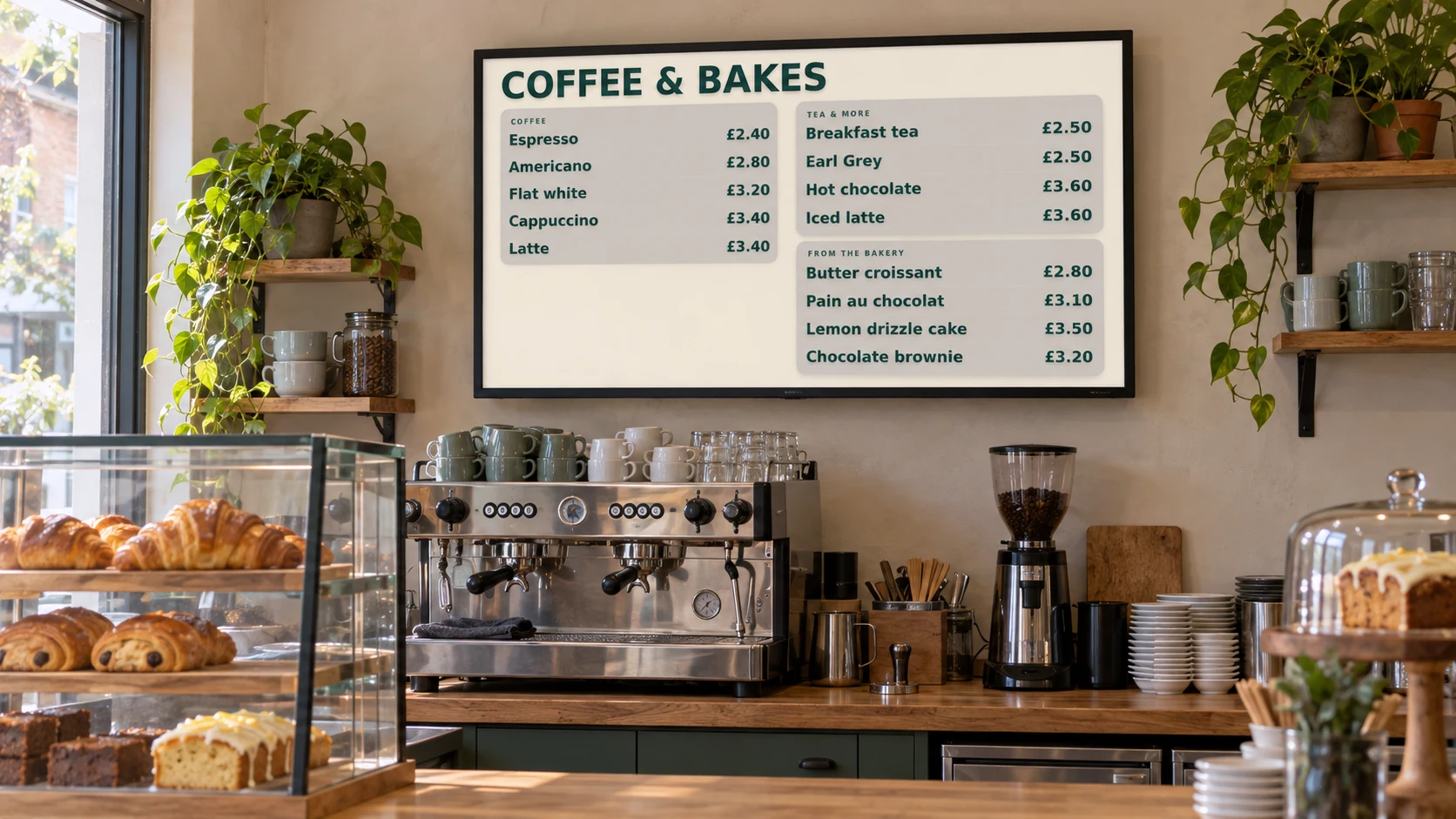
Illustrative café installation with a digital menu screen above the counter.
Illustrative installation · DisplayFlow example content

Use it for menu boards, offers, timetables, reception screens, waiting rooms, retail promotions and local business announcements.

Small teams

Screen management should not become another job

Small businesses usually need signage that is easy to update, clear to read and affordable to run. The work should fit around normal day-to-day operations.

DisplayFlow keeps the admin flow focused: create content, build playlists, assign screens and make changes when offers, prices or opening information changes.

Cost control

Start small and add screens later

A first screen might be a menu board, a reception display or a promotional TV. If the screen proves useful, the same workflow can be used for extra screens.

Pricing starts from the one-screen tier, with larger bands for businesses that grow into multiple screens or locations.

Common uses

Built for practical business screens

  • Menu boards and price updates
  • Daily notices and promotions
  • Class and weekly timetables
  • Waiting-room information
  • Simple monthly pricing

What you can do

What small businesses usually need from signage

These are the practical jobs DisplayFlow is designed around.

Fast price and offer changes

Update menu items, offers and notices without printing new posters or replacing files manually.

Simple playlists

Mix uploaded media, menu screens, timetable screens and promotional slides.

Optional hardware

Use a suitable browser device or add a dedicated player for TVs and monitors.

Screen alerts

Use monitoring and email alerts to spot screens that stop reporting back.

No heavy setup

DisplayFlow is built without enterprise complexity, so a small team can manage it.

Free trial

Test the workflow with your own content before deciding on a paid tier.

Content. Playlist. Screen. Play.

Add your content, build a playlist, assign it to a screen and open the screen link.

Follow the four-step setup

Questions

Small business digital signage questions

What is the best digital signage software for a small business?

The best fit is usually software that is easy to update, affordable for one or a few screens, and focused on everyday content such as menus, offers, timetables and notices.

Can I start with one screen?

Yes. DisplayFlow pricing includes a one-screen tier and can scale into larger screen bands later.

Do I need design skills?

No. DisplayFlow includes simple content tools, and you can also upload finished images or create AI media inside the workflow.

Your next step

Start with one practical business screen

Use the trial to build a real menu, notice, timetable or promotional screen and see whether it fits your workflow.

WhatsApp Chat with us