Event venues

Digital signage for event venues

DisplayFlow helps venues show what’s on, event schedules, room hire promotions, bar offers and live notices across customer-facing screens.

Update venue screens quickly when timings, rooms, offers or event information changes.

The day-to-day challenge

Venue information changes during the day

Event venues need clear screens for visitors, but timings and offers can shift. Printed posters and fixed loops make last-minute changes awkward.

DisplayFlow lets staff manage screen playlists and publish updates remotely for entrances, bars, reception areas and event spaces.

What you can do

Everything needed for clear, useful screens

  • Import up to 500 events from CSV, iCal files or a public iCal URL
  • Dates, locations, recurring events and six responsive event layouts
  • Photo-led room-hire pages for capacity, rates, facilities and booking details
  • Reusable QR, text, time, date and logo overlays
  • Screen assignment for different venue areas
  • Browser playback with optional dedicated hardware
Screen ideas

Example screen uses

These are practical examples, not customer case studies.

What’s on screen

Show today’s events, start times, room names and key visitor information.

Bar offer display

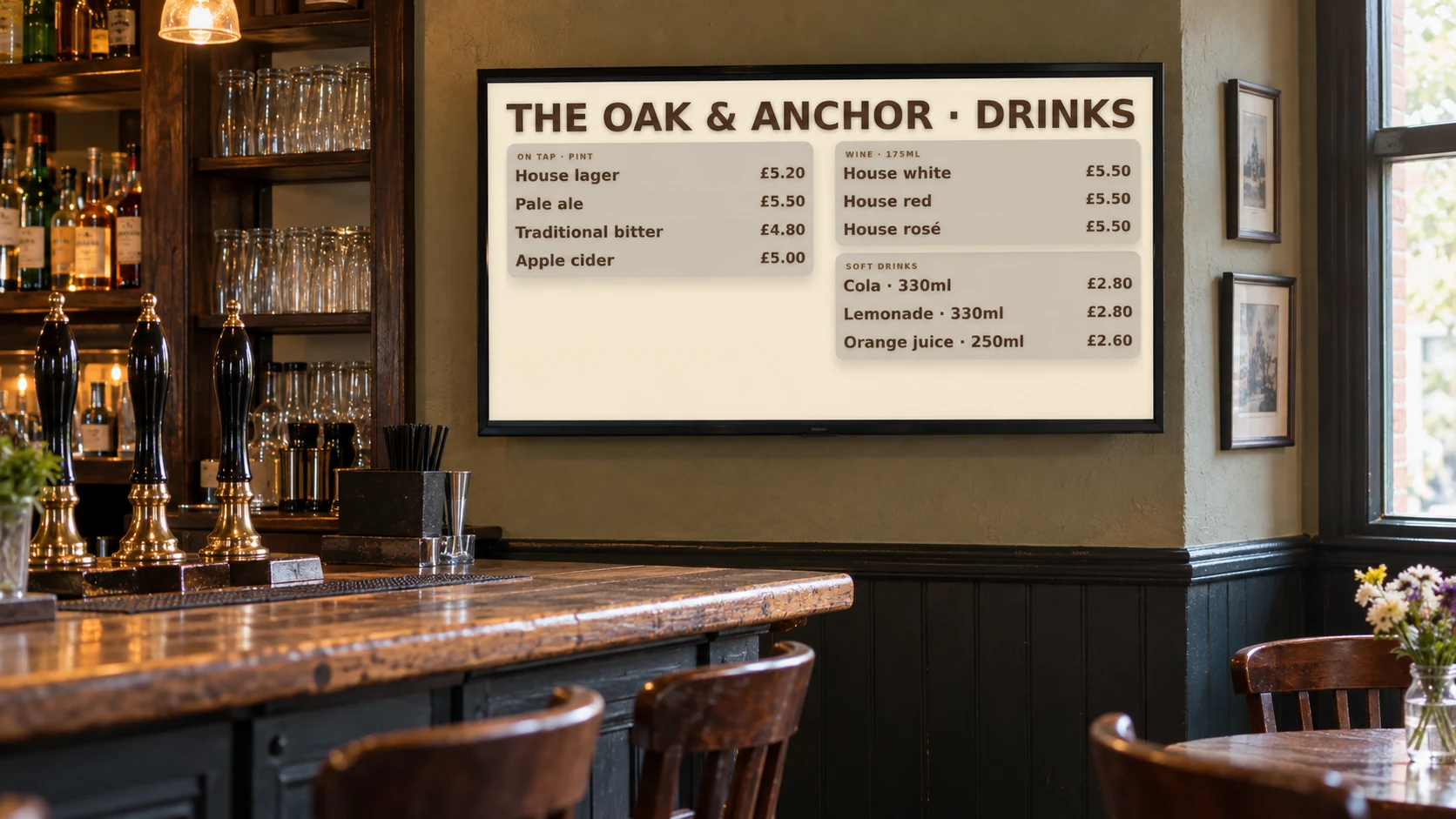
Promote drinks, food, interval offers or event-specific specials.

Future bookings

Advertise room hire, party packages, live events or seasonal venue offers.

Your screens

Use a screen you already own or choose a ready-to-use kit

Venues can mix smart TV browsers and dedicated players depending on where each screen sits and how often it is used.

You can open DisplayFlow on a suitable TV, or choose the optional £175 ready-to-use bundle for one screen for one year. No VAT is currently charged.

See screen kit options or read the simple setup guide.

Pricing

Start with one screen

Plans start from £10.00 per screen per month, with options for more screens and help creating your designs.

That keeps it suitable for one screen in a small business, or multiple screens across a venue.

View screen pricing.

FAQ

Questions for event venues

Yes. You can assign different playlists to different screens or groups of screens.

Yes. DisplayFlow is designed for remote updates from the dashboard.

Yes. You can include room hire, future events, bar offers and venue promotions in the same screen loop.

Yes. Use a published public iCal URL, or import an iCal file, to append events. DisplayFlow also accepts CSV imports and skips repeated iCal items with the same UID.

Next step

Keep venue screens useful all day

Ask about DisplayFlow for schedules, offers, visitor notices and event promotion screens.

WhatsApp Chat with us