Martial arts schools

Digital signage for martial arts schools

DisplayFlow helps martial arts schools show class timetables, grading notices, event posters and trial class promotions on clear digital screens.

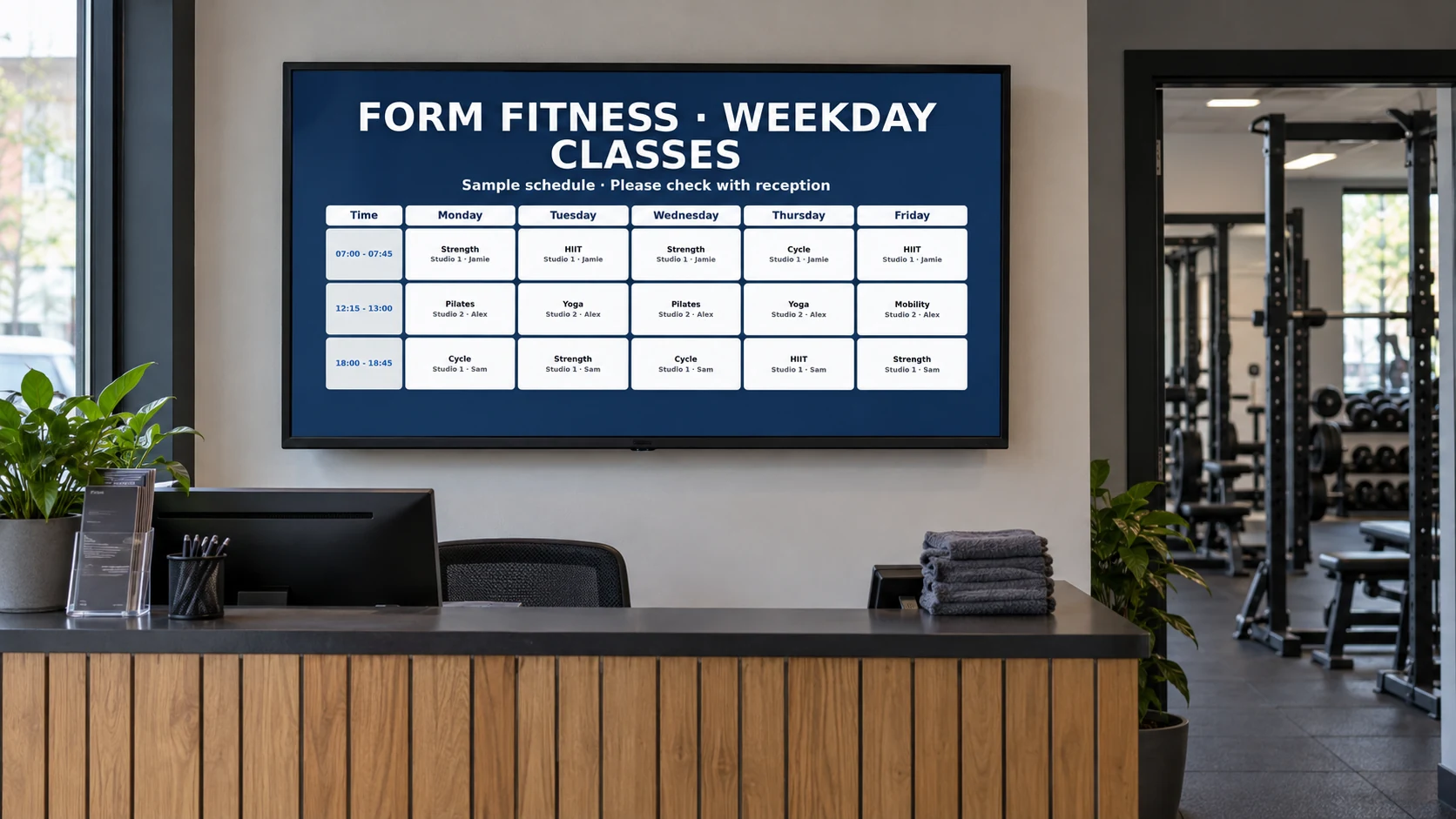
Illustrative gym installation with a screen showing class information.
Illustrative installation · DisplayFlow example content

Keep parents, students and visitors informed without relying only on printed notices at reception.

Your day to day

Club notices need to be seen at the right moment

Martial arts schools often have mixed audiences: students, parents, visitors and instructors. A screen can make important updates easier to spot.

DisplayFlow lets the school publish weekly timetables, daily agendas, notices and promotional content from one simple dashboard.

Best uses

Screens for busy dojos and clubs

  • Class timetable and room updates
  • Grading dates and seminar notices
  • Trial class and membership promotions
  • Member announcements
  • Event posters and holiday closures

What you can do

Tools for your everyday updates

  • Full-week, weekday, weekend and daily agenda timetable screens
  • Timetable and announcement playlists
  • Event and grading notice screens
  • Remote updates for instructors or office staff
  • Browser player for smart TVs and media devices
  • Optional hardware for reception or training areas
  • Useful for trial class offers and member communication
Explore every DisplayFlow feature →

What you can show

Give each screen a purpose.

Reception notice screen

Show class times as a weekly table or daily agenda alongside grading fees, seminar dates and trial class information.

Training area screen

Display event reminders, safety notices or rotation information during sessions.

Promotion loop

Advertise trial classes, family memberships, holiday camps or merchandise.

How to use it

Start with your everyday content.

Upload images or create a content page, add it to a playlist and assign that playlist to your screen.

Follow the four-step setup →

Your screen and player

Use a suitable screen, with the right player.

A club can start with one TV and add a compact browser-capable player for a more reliable permanent setup.

Use the shared player on a compatible browser device, or connect an Android Signage Stick. The optional £175 bundle includes one Signage Stick and one year of software for one screen.

Compare player and screen options →

Start with one screen.

Software from £10.00 per screen per month. Optional Signage Stick available.

Questions

A few useful answers.

Can I show grading, events and class timetables?

Yes. DisplayFlow can show notices, posters, timetable screens and promotional slides in the same playlist.

Can instructors update the screen?

Authorised users can update content from a browser, including mobile where practical.

Is this only for large gyms?

No. DisplayFlow is designed to be useful for small businesses and clubs starting with one screen.

Your next step

Use one screen to keep the club informed

Ask about DisplayFlow for class timetables, grading notices, event posters and school promotions.

WhatsApp Chat with us