Media and AI artwork
Upload images and videos, import PDF or PowerPoint pages, create folder slideshows, or generate artwork with a reference image.
Explore media tools →
Digital signage for everyday business
Show menus, offers and useful information. Update your screens from one place.
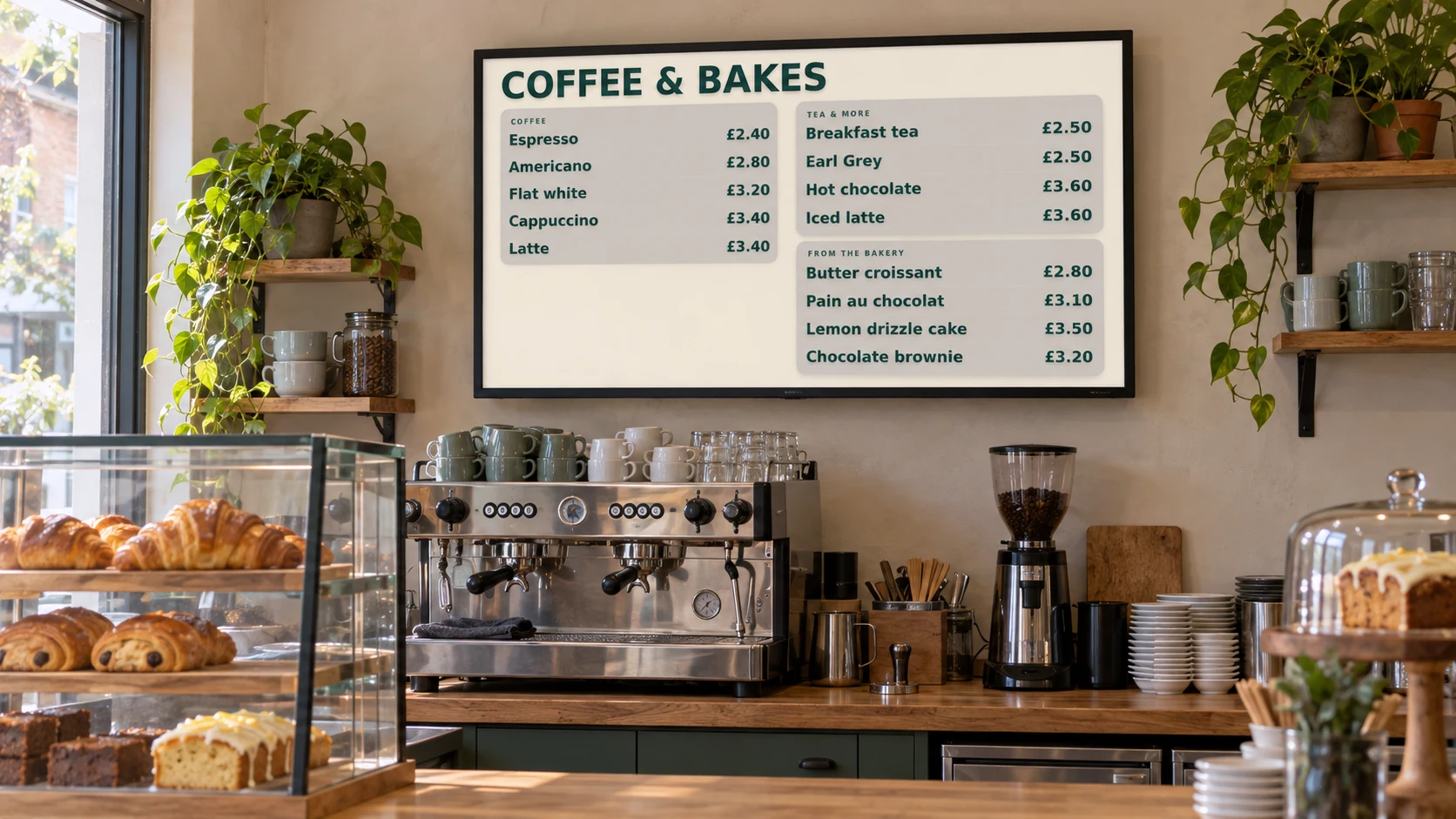
Where you can use it
Put your menu at the counter and today’s offers in the window.
See how it fits ↗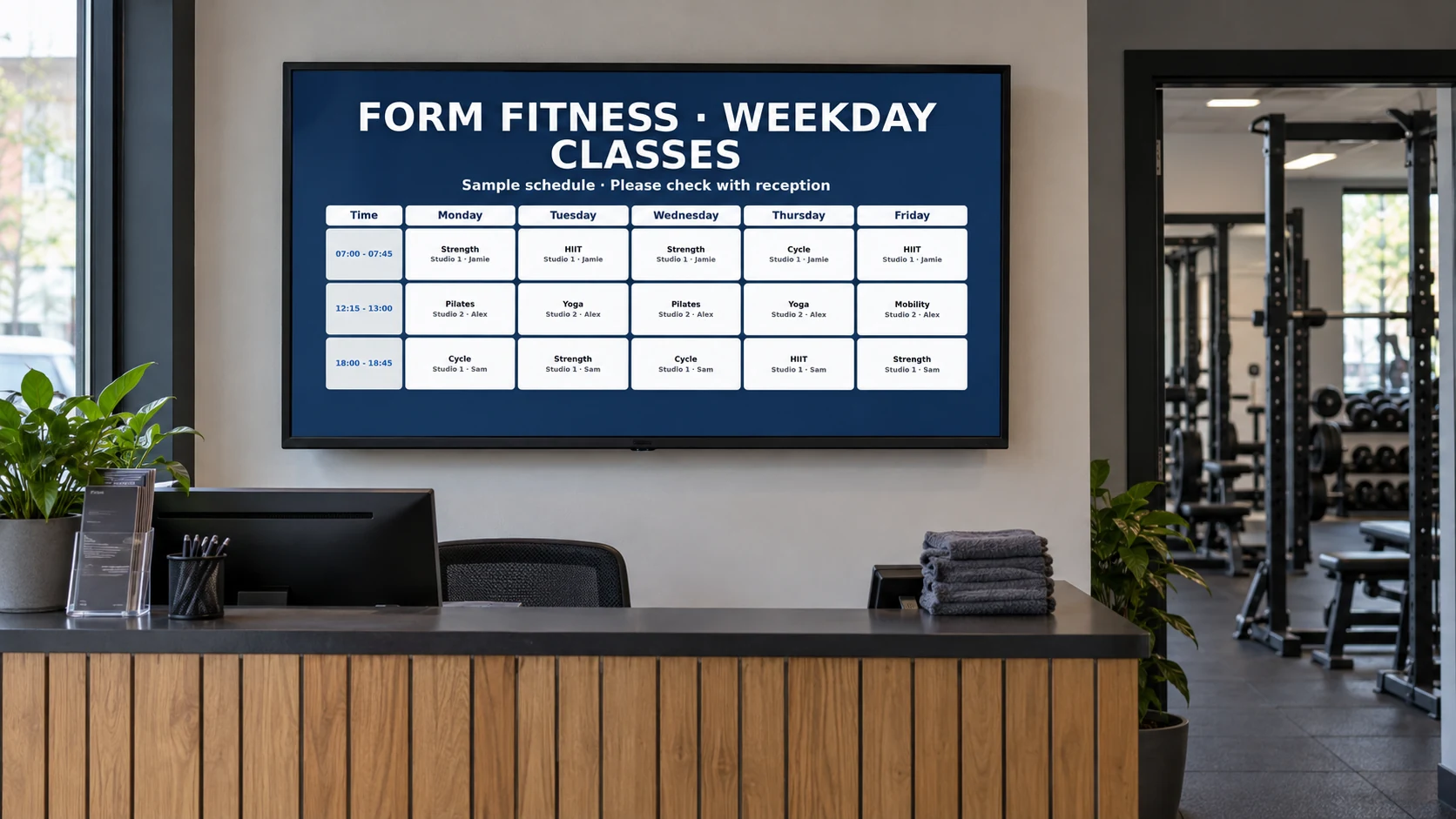
Show today’s classes, introduce trainers and keep members informed.
See how it fits ↗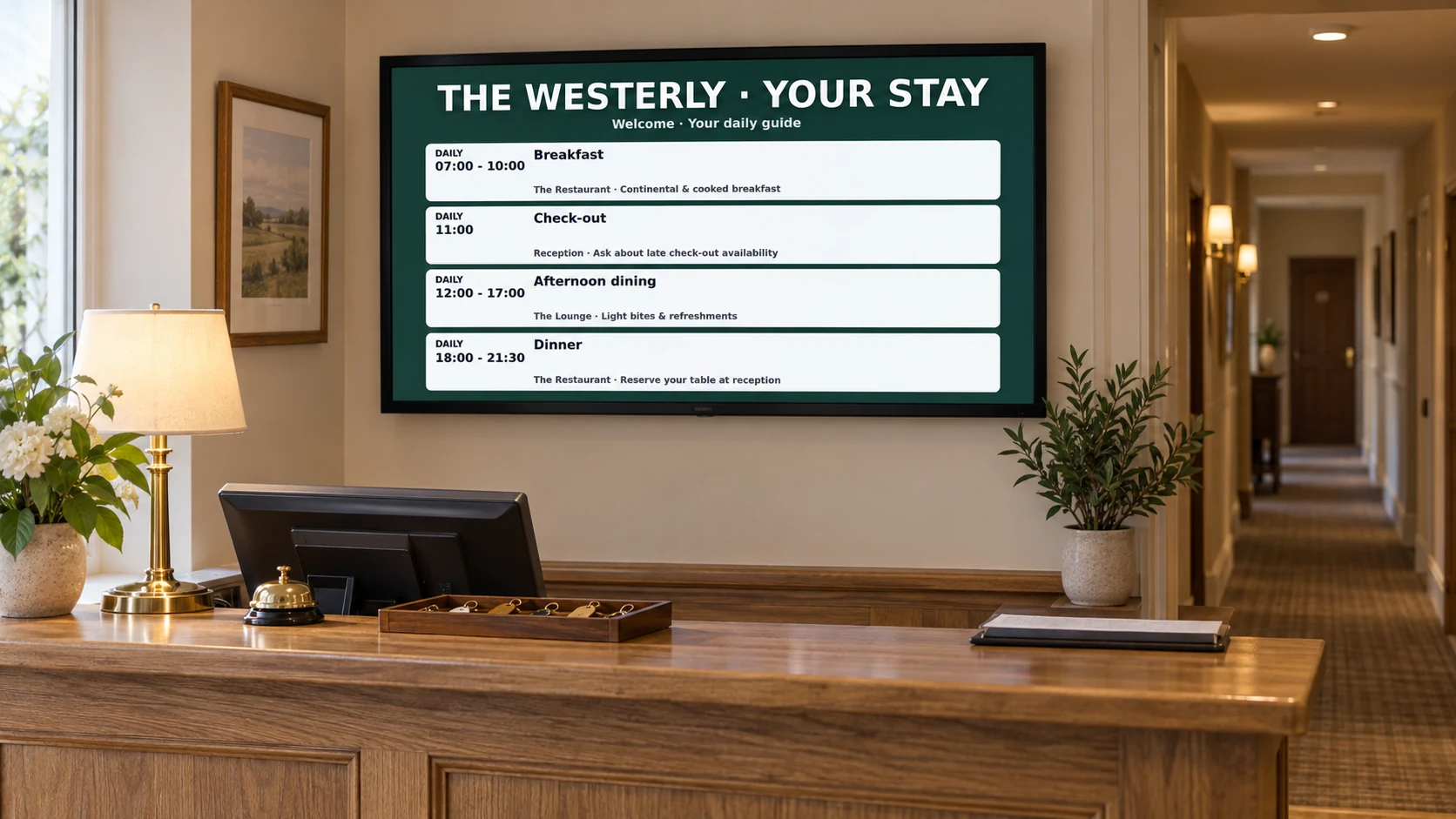
Help guests find breakfast, their meeting room and what’s on today.
See how it fits ↗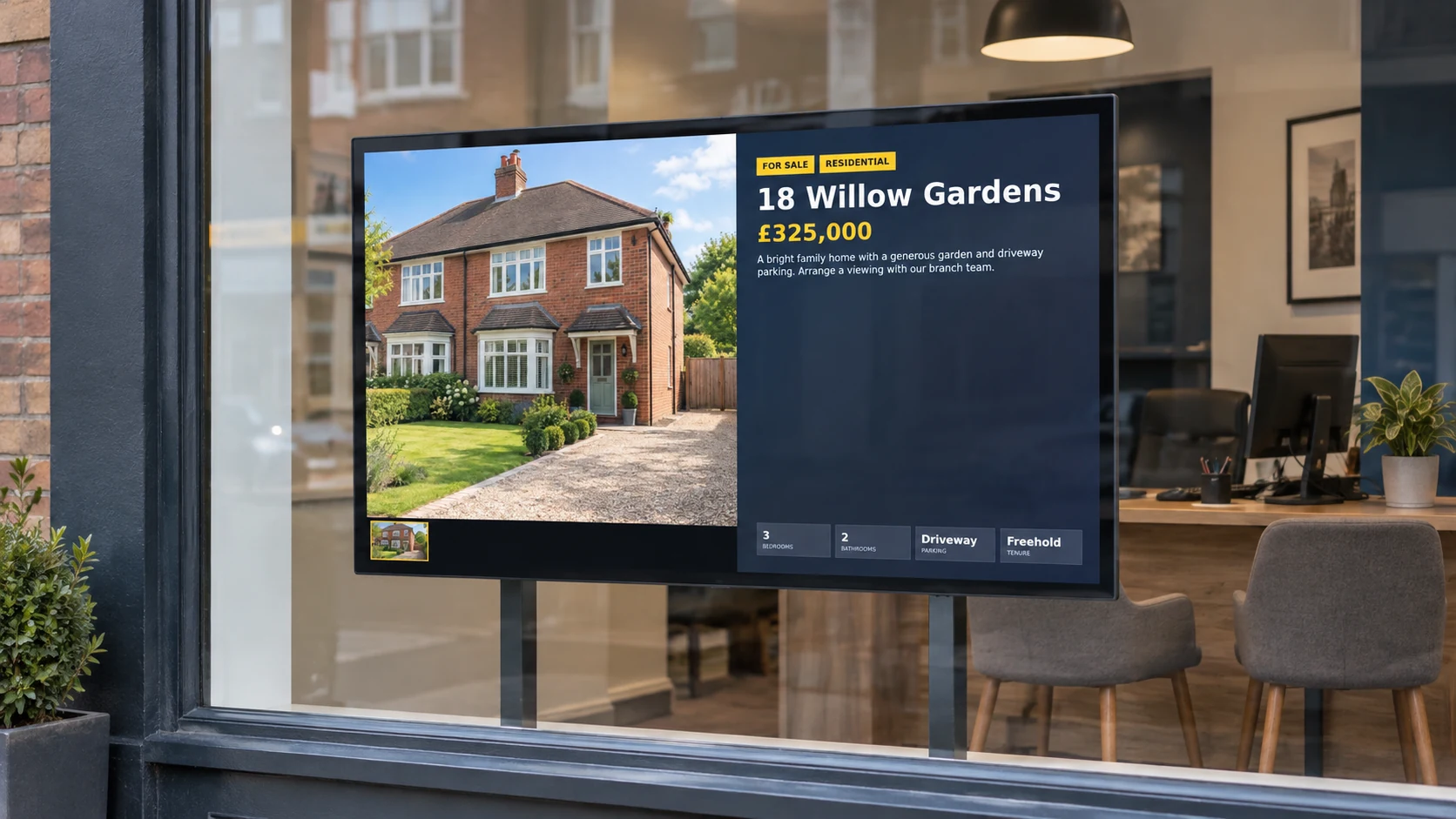
Show property photographs, prices and details to passing buyers.
See how it fits ↗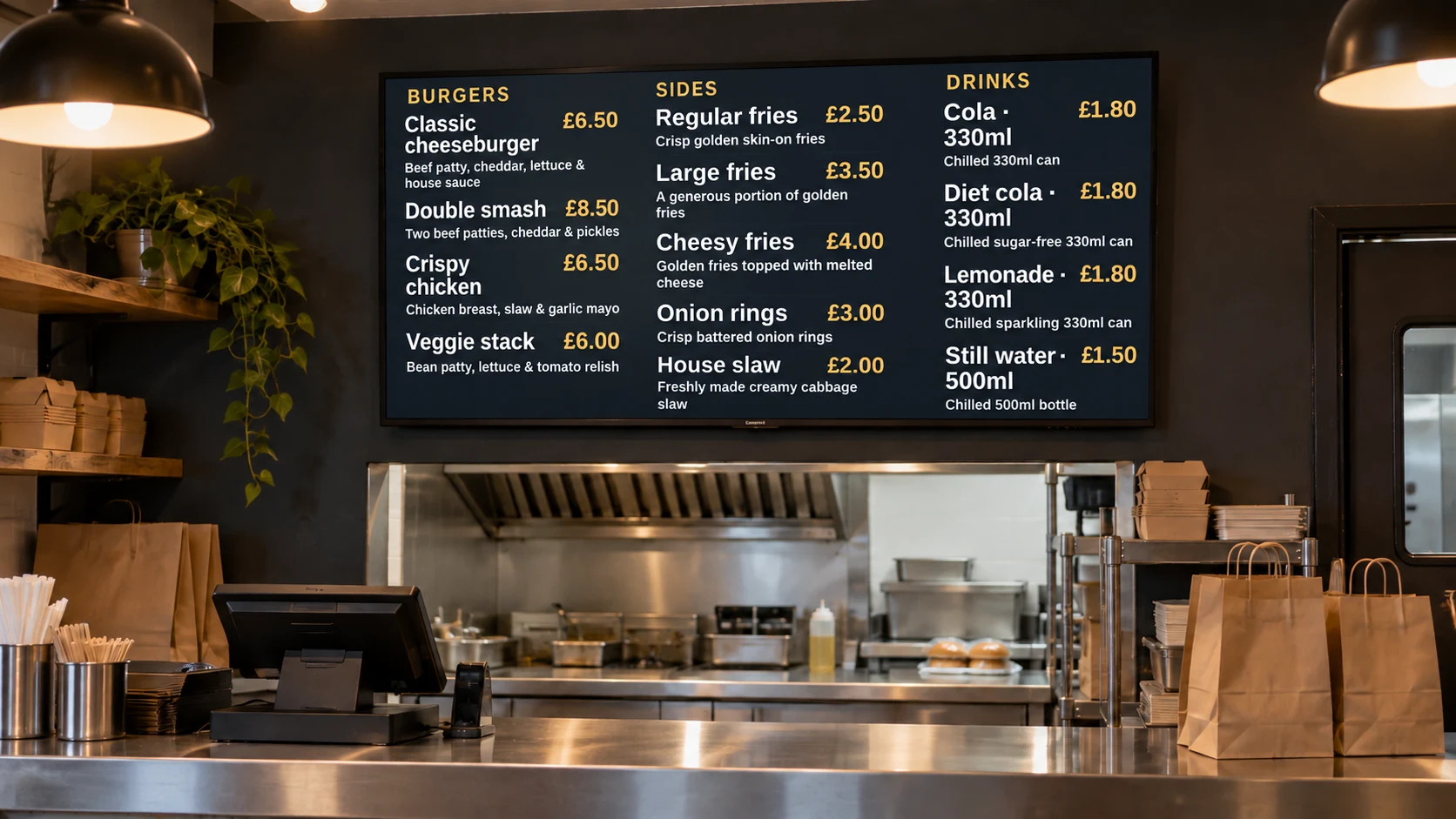
Make food, prices and meal deals easy to see while customers choose.
See how it fits ↗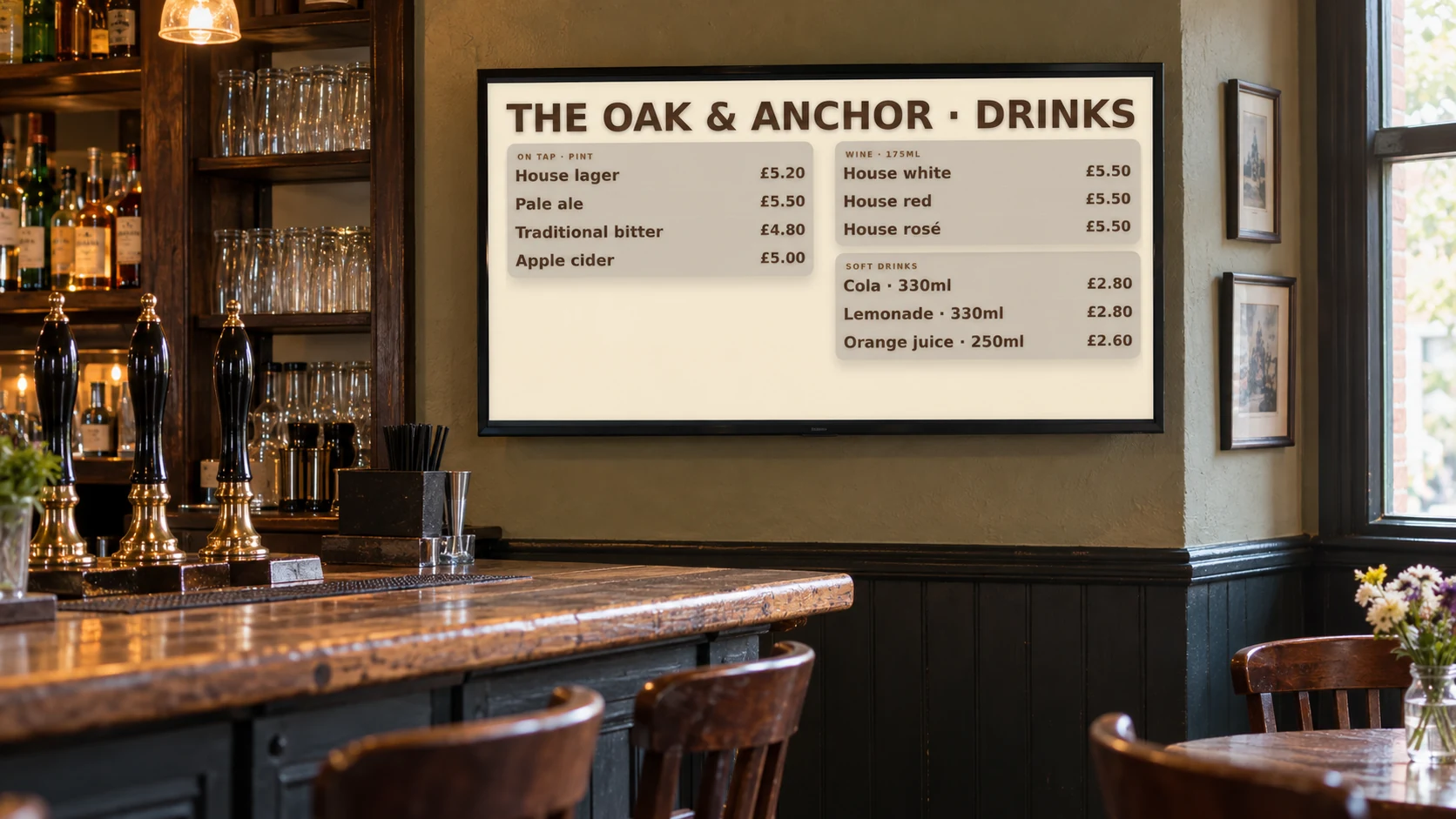
Put daily specials, live music and the next event where customers can see them.
See how it fits ↗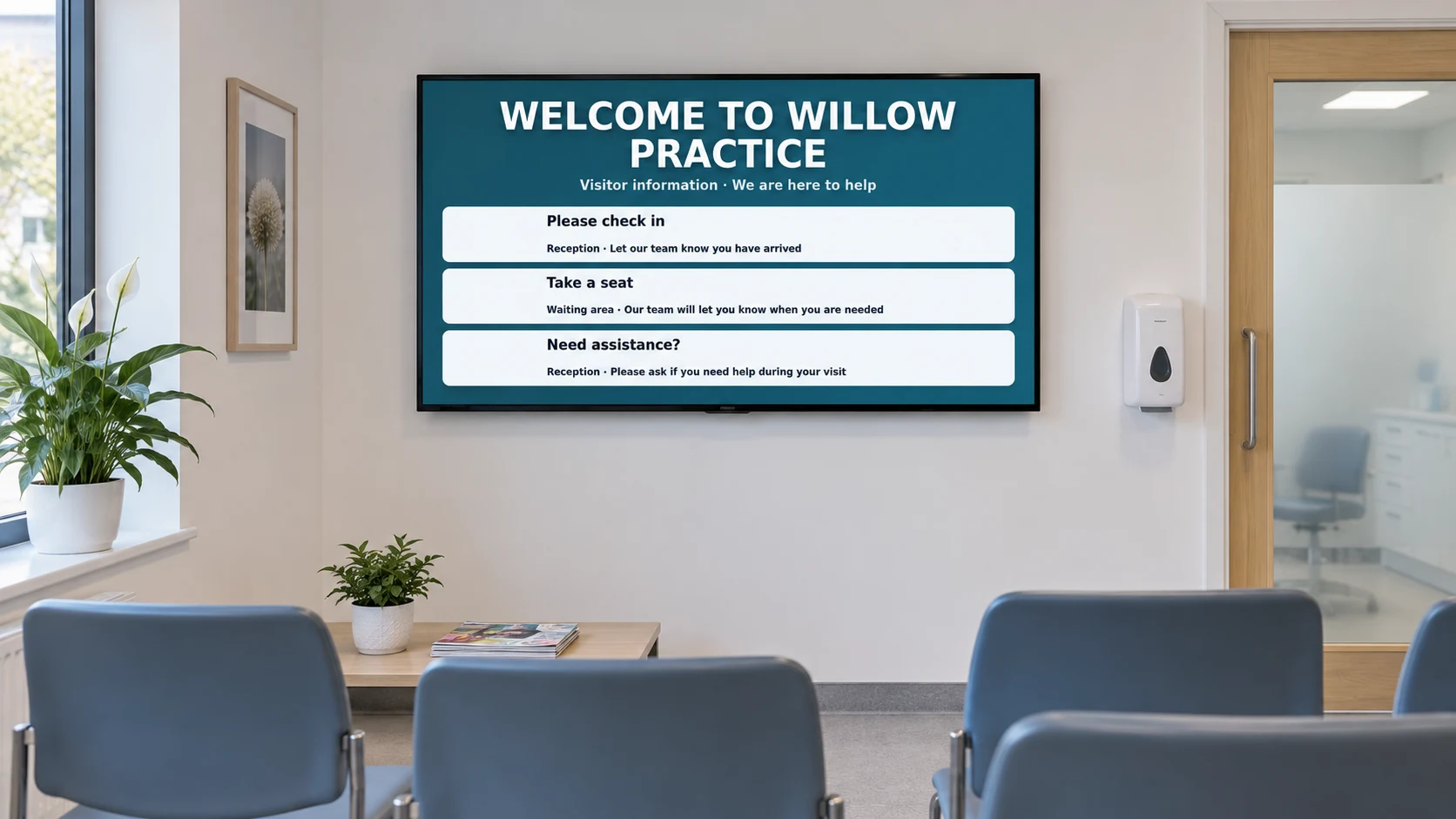
Keep visitors informed with opening hours, services and clear notices.
See how it fits ↗
Show your price list, finished styles and seasonal offers.
See how it fits ↗Illustrative installations showing DisplayFlow example content.
What DisplayFlow can do
Create content, plan your screen day and manage the details from one dashboard. Explore the tools behind each solution.
Upload images and videos, import PDF or PowerPoint pages, create folder slideshows, or generate artwork with a reference image.
Explore media tools →Edit menu prices, import calendar events, build class timetables and create property or room-hire pages. Add compatible web pages and RSS headlines.
See the content builders →Choose each screen’s running order, change playlists by day or time, and add reusable logos, QR codes, clocks or scrolling tickers.
Plan what plays →Show weather, world clocks, countdowns and quiz slides. Send temporary order-ready or room-call messages with an optional chime.
Explore information screens →Use Android or a compatible browser, manage locations from your phone, monitor screen check-ins and choose email alert levels.
See screen controls →Keep advertiser terms and artwork requests organised. Manage account features, billing information and referral tracking.
See the business tools →How you use it
Upload pictures and videos, or build a menu, timetable or information page.
Choose what plays, its order and how long each item stays on screen.
Choose its playlist. Add a schedule when different times need different content.
Run the screen link in a compatible browser or on an Android Signage Stick.
Our story
DisplayFlow began with Twin Tigers martial arts club: one screen, spectators to entertain, and club information to share. The aim was simple—keep the engaging content while giving the club more control over its advertising and updates.
That starting point grew into a platform for businesses to manage menus, timetables, promotions and information from one place.
Software from £10.00/month for one screen.
14-day trial. Optional Android player available.
Start with one screen
Try your own content, or tell us about the screen you have in mind.